

Baxnet Blog · technical-explainer
How to Use Diagrams, Screenshots, and Video in Baxnet Posts
Short answer: Use one explanatory diagram, one grounded screenshot, and optional hybrid video to keep posts clear, scannable, and citeable.
Why this matters
Readers and answer engines trust pages that are concrete. Visuals work best when they explain one specific claim rather than decorate the page.
Diagram-first media structure
Each technical post should include:
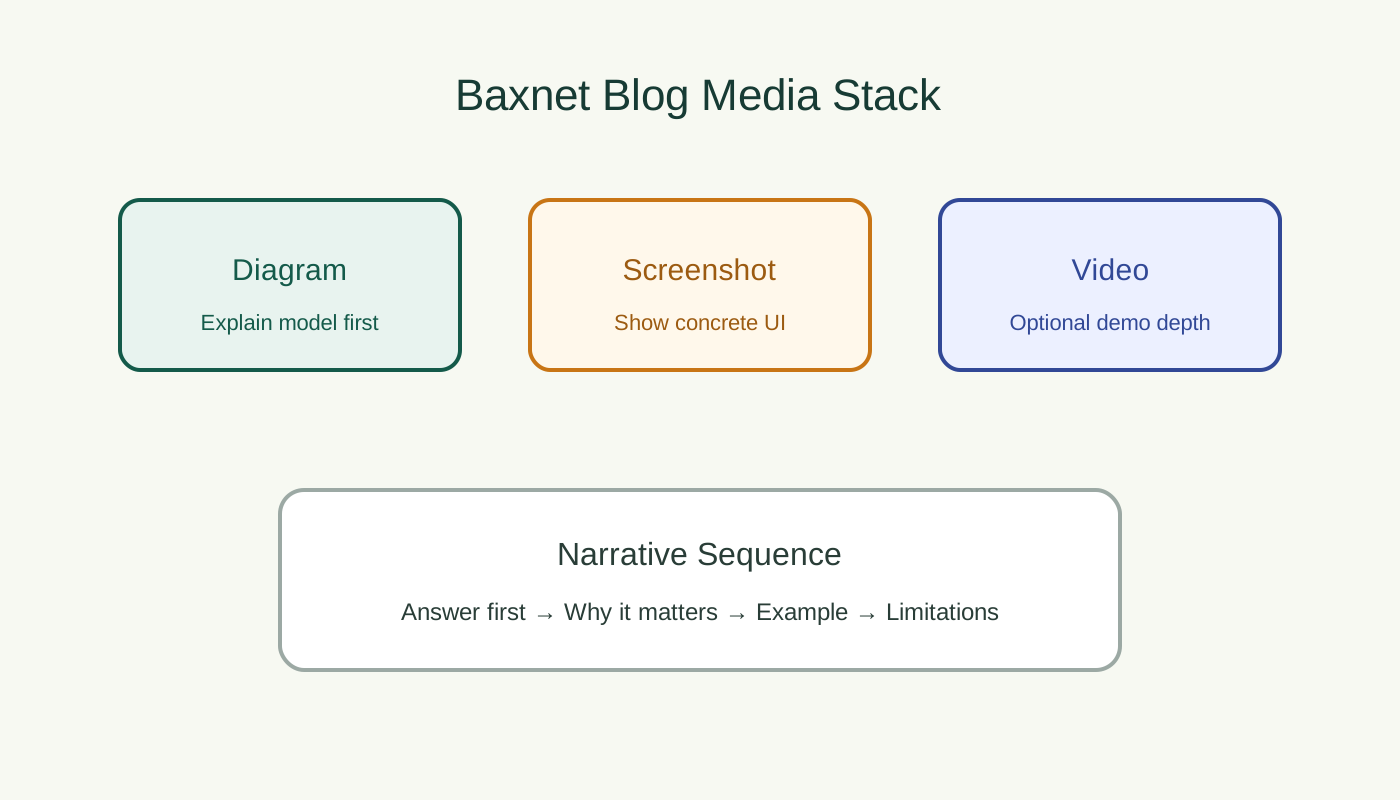
- one architecture or flow diagram
- one product screenshot anchored to a concrete step
- optional short demo loop or embedded long-form video
Caption: Start abstract (diagram), then prove it with concrete UI evidence (screenshot).

Caption: This stand-in shows where a workflow screenshot belongs; replace with a release-accurate UI capture for production posts.
Video strategy: hybrid by default
Use self-hosted video for short UX loops (5–30 seconds), and embed YouTube or Vimeo for long-form walkthroughs to reduce infrastructure overhead.
Worked example
For an export tutorial, use:
- a diagram of the export flow
- a screenshot of export settings
- a short self-hosted clip showing output generation
- an embedded long-form explainer if needed
Limitations / not a fit
Do not include video when a diagram plus screenshot fully answers the question. Extra media increases cognitive load and slows pages.